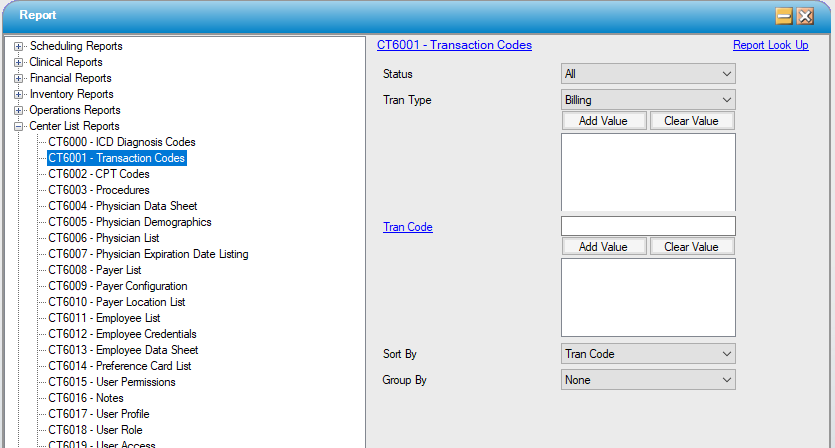
CT6001 – Transaction Codes
Function:
Track all billing transaction codes entered into HST Practice Management. Reads directly off the Billing Transaction Code table under the Administration menu.
Usage:
Filter by status, transaction type(s), or selected code(s).
Sort the results by the numeric transaction code, transaction type, code description, or by status.
Results can be grouped by transaction type; groups will display subtotals.
Hints and Tips:
INCLUDES all codes unless otherwise specified.
Notable Fields:
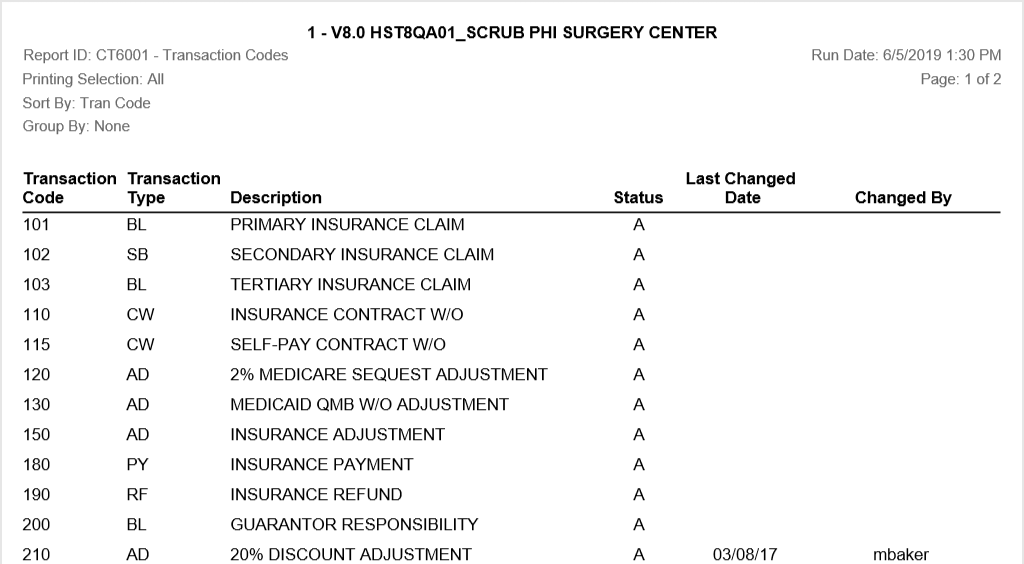
Last Changed Date, Last Changed By: Prints the name of the last user to edit the record.
Sample Report:
For details on available output types, please see the Reports Overview help page.
Report Filter: