Close Purchase Order
Purchase orders can be closed from either the Purchase Order form or the PO Receiving form.
Once a PO has been closed it CANNOT be reopened. Make sure quantities and pricing are correct before closing.
Close from Purchase Order form
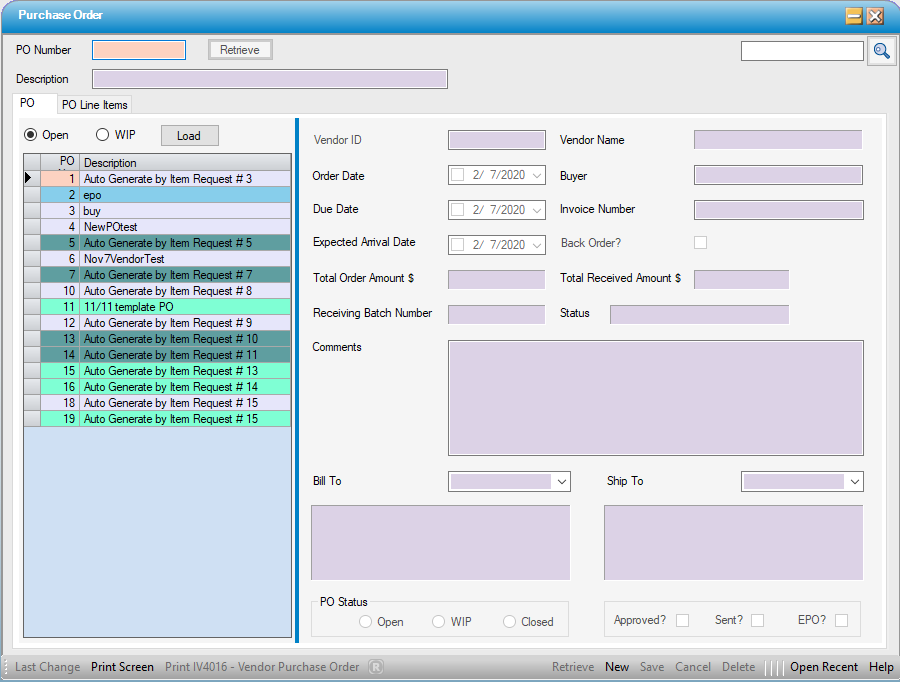
1. Access Purchase Order
Inventory > Purchase Order
-- OR --
Click the  Purchase Order navigation icon on HST Practice Management Main Menu.
2. Retrieve the purchase order by using the PO Number or the  Look Up
3. Click the Closed radio button from the PO Status area. The following message will display:
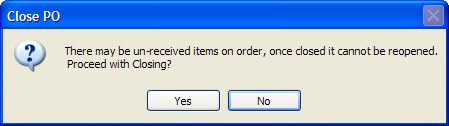
4. Click Yes
Close from PO Receiving form
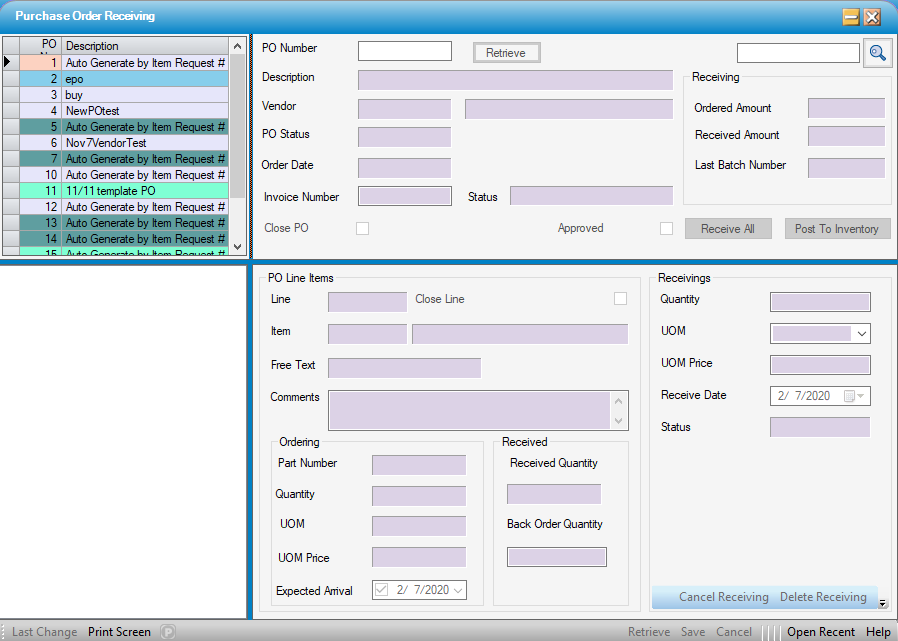
1. Access PO Receiving
Inventory > Purchase Order Receiving
-- OR --
Click  PO Receiving navigation icon on HST Practice Management Main Menu.
2. Retrieve the purchase order by using the PO Number or the Look Up
3. Click the Close PO check box. The following message will display:
4. Click Yes