New York State Report (NY)
Many states require an annual report or survey submission; this report will provide the most-frequently-requested data elements to fulfill those requirements.
For set up and configuration, please see the Regulatory Reports set up help file.
New York State Report Specific Set Up
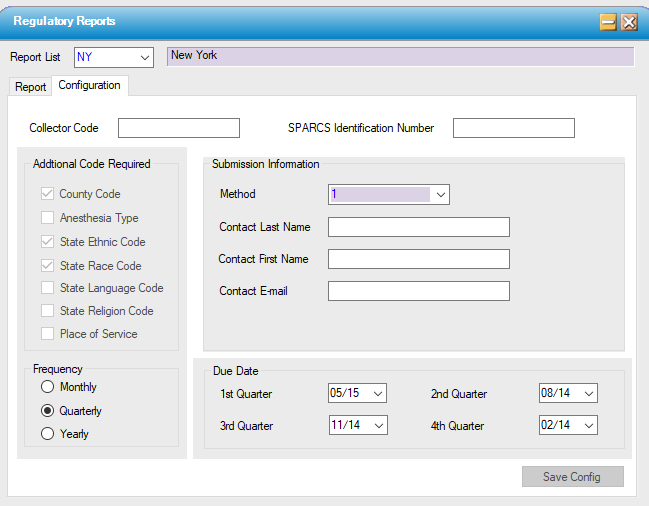
- Enter a typology code and/or the payer's NAIC code; see the SPARCS data dictionary.
- Enter the clinic's 3 digit ID number in the Collector Code and 6 digit SPARCS number in SPARCS ID field.
- Complete the Contact Last Name First Name and email.
Generate Validation Report and Data Output
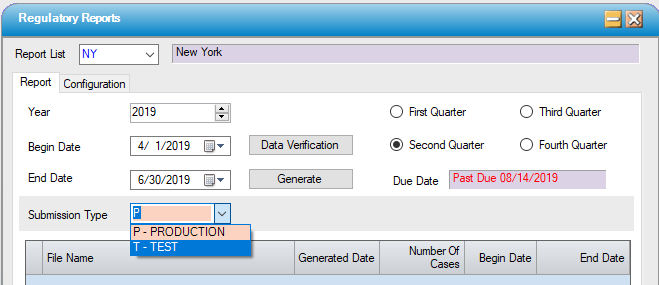
1. Access Regulatory Reports on the menu and select the report from the drop down list.
2. Run the Data Verification and correct any issues and re-run the report until there are no issues remaining on the report.
3. Select a Submission Type, generate the report and save to a local or network folder.
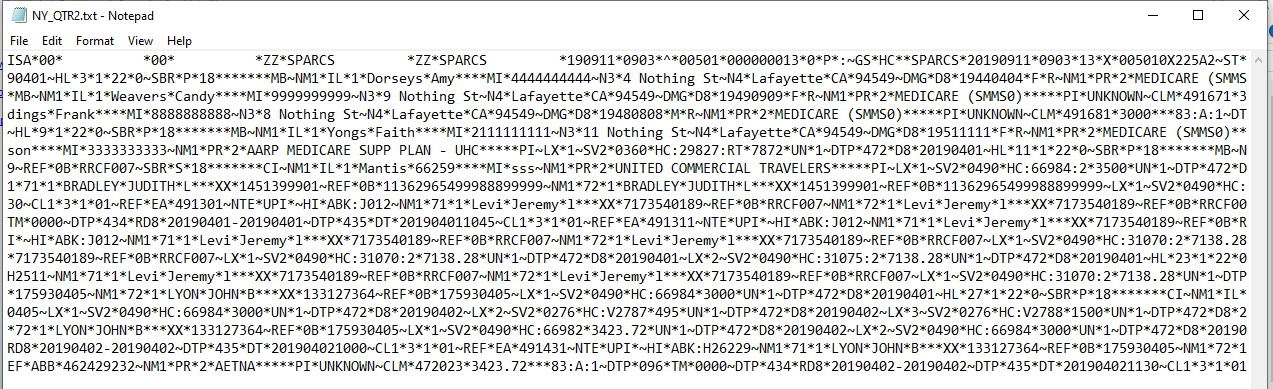
Sample Output
File Format: